
Gravhounds Guides Hub
How to play, build, extract, and work as a pack on hostile planets.
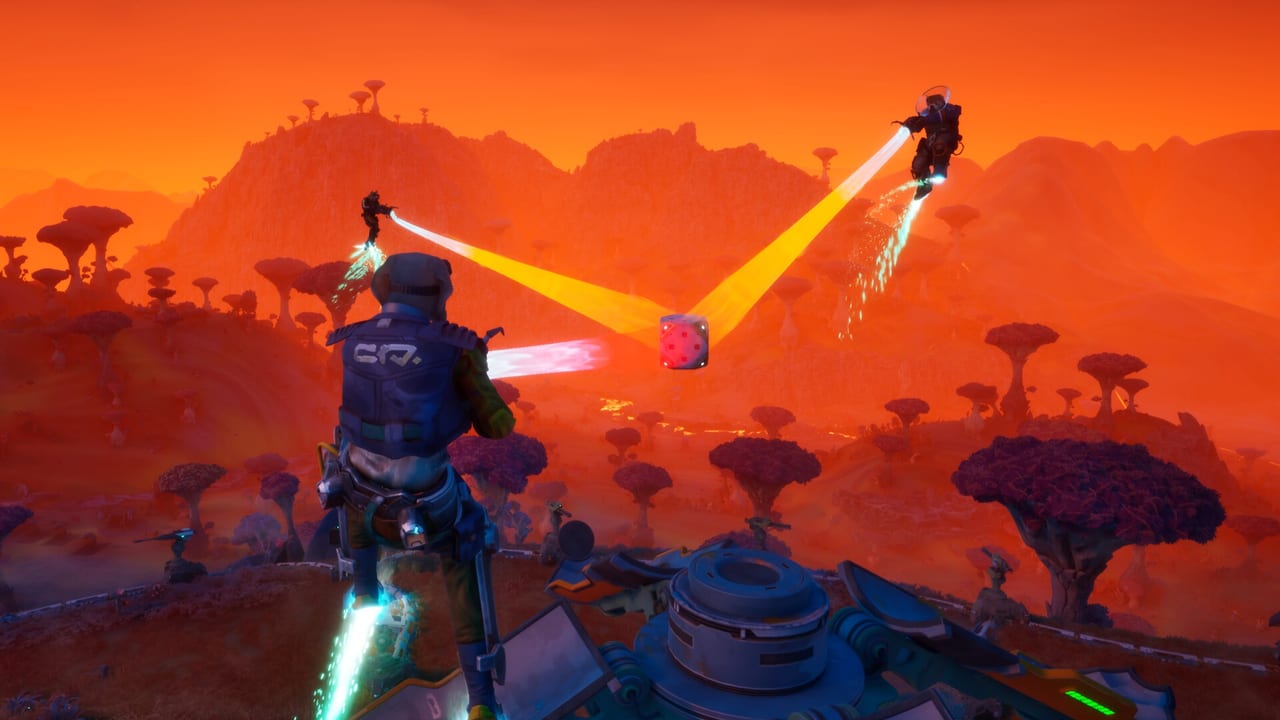
This hub is the map for Gravhounds players who want the job loop in writing before Early Access opens on November 2, 2026. Octopus Panic’s 1–4 player co-op action builder is still heading toward Game Preview, so these pages collect what the studio, Steam, Xbox Wire, and the gamescom walkthroughs have actually shown: take a job from COSMO, drop onto a hostile world, expand an operation, and leave with the haul before the swarm eats the quota.
Start with Getting Started if you have not watched a full shift yet. That page covers the mining ship, job select, the dropship, and the first minutes planet-side. From there, split into the tools that define the game. The Grav Beam is the industrial gripper every hound carries — it hauls resources, places Build Kits, tosses health to a teammate, and turns wildlife into projectiles. How to build explains pipelines, fabricators, generators, and turrets as part of the fight rather than a quiet menu. How to extract is the risk clock: stay longer for better materials, or cash out while the pack can still walk. Co-op play is for packs that want roles without turning Gravhounds into a class shooter. Controls covers the booster rig, jump jets, hover, and pipeline grind. Weapons lists the pulse rifle, sniper, and grenade launcher named at gamescom.
What these guides assume
Gravhounds is PvE. You are not fighting other players for the same pile of loot. You are fighting the planet, the swarm, and your own urge to grab one more crate. Solo is supported; online co-op up to four is the design center. Everybody can build. Everybody can fire the same weapons. Personality kits — Dozer’s bone bombs, Selene’s Fetch disc, Finn’s Play Dead, plus unique tools for Zane and Luna — color the shift without locking you out of the factory floor.
Because the game has not entered Early Access yet, we do not invent button maps, hidden planet names, or unstated damage numbers. Where Octopus Panic has shown a system, we describe it. Where the kit is still private, we say so and point you to the crew roster and the preview tier list. When 1.0 content lands, these same URLs will take the patch notes.
How to use the hub
- New to the trailer: Getting Started then platforms.
- Care about physics toys: Grav Beam then loadouts.
- Care about not dying on the pipe: How to build and How to extract.
- Booking a four-stack: Co-op plus the crew pages.
- Movement and guns: Controls and Weapons.
Pair the tutorials with Early Access plans, system requirements, and official links. Wishlist on Steam or Xbox if you have not already — Octopus Panic has said the price is expected to rise as the game grows toward 1.0, and Game Pass subscribers get the Game Preview drop on day one.
The loop in one paragraph
COSMO still has jobs. You pick one from the mining ship, land, stretch pipeline from the dropship, stand up a fabricator so Build Kits exist, and push toward the objective while the swarm escalates. Reward Pods drip randomized weapons and upgrades mid-shift. Boost and hover on the propulsion rig; grind the pipe when you need unlimited boost to save someone who wandered off. Then you leave. That last sentence is the hard part, which is why extraction and co-op each get their own guide instead of a single FAQ bullet.
If you only open three pages on this wiki, make them Getting Started, How to extract, and the crew hub. Everything else is how you make those three less painful.
Frequently Asked Questions
Quick answers for Gravhounds players.
Which Gravhounds guide should I read first?
Open Getting Started for the job loop, then Grav Beam and How to build.
Are these guides for a finished 1.0 release?
No. Gravhounds Early Access is dated November 2, 2026. The guides describe systems shown at gamescom, on Steam, and in official interviews.
Do I need a squad to use these pages?
No. Solo is supported. The co-op guide is extra help for 2–4 player packs, not a requirement.
Will button-by-button PC controls be listed here?
Not until Octopus Panic publishes a final map. Getting Started covers full controller support and the tools you will bind, without inventing keys.