
Gravhounds Tools Hub
Platform checklist and system requirements, kept in one place.
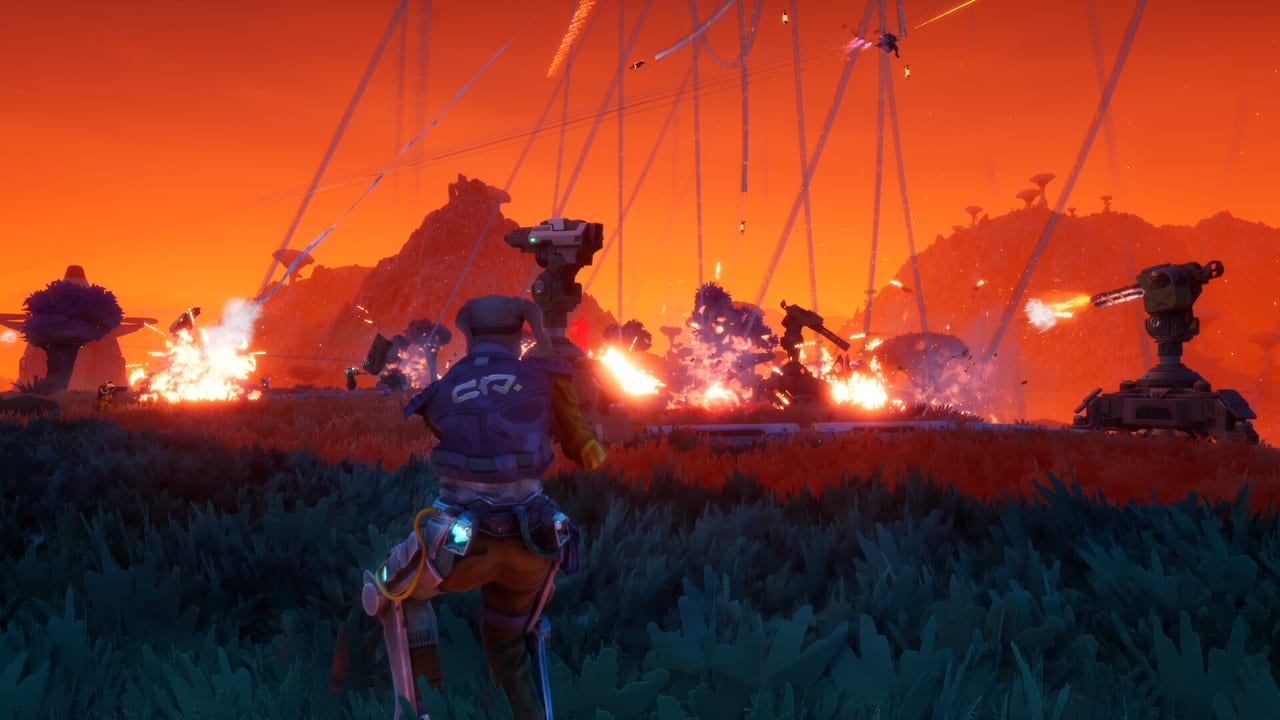
Guides tell you how a shift works. This hub tells you whether your box can run the shift and which storefront to open. Gravhounds is a Windows and Xbox Series X|S co-op action builder. It is not on PlayStation or Nintendo in any announcement we can cite, and it is not a Roblox title. If you landed here from a mobile-codes search, go back to Getting Started and read the platform line twice.
Two child pages cover the practical jobs:
- System requirements copies the Steam minimum and recommended PC specs, plus the fact that the storefront lists full controller support, accessibility toggles, and DirectX 12. Use it before you promise a four-stack that one friend cannot boot.
- Platforms is the store map: Steam app 2440760, Microsoft Store / Xbox on PC, Xbox Series X|S, day-one Game Pass, Xbox Play Anywhere, and the official site plus Discord. It also covers language support: English full audio, with French, German, and Spanish (Spain) interface and subtitles.
Why a tools hub on a pre-release wiki
Because the highest-intent searches right now are not “best legendary shotgun.” They are “Gravhounds Game Pass,” “Gravhounds Steam,” “Gravhounds system requirements,” and “Gravhounds playtest.” Those queries deserve pages that do not hide inside a 2,000-word lore essay. The Playtest article still lives under Updates because it is a process, not a spec sheet. This hub links it rather than duplicating the Steam request-access button language five times.
How to use the two tools together
- Confirm you want PC, Xbox, or both. Play Anywhere is on the Xbox Wire store module for Gravhounds, which matters if you own the game in the Microsoft ecosystem rather than only on Steam.
- If PC, read system requirements. Minimum is an i5-7600K / Ryzen 5 1600 class CPU, GTX 1660 / RX 590 class GPU, 8 GB RAM, 10 GB disk, Windows 10 64-bit. Recommended steps up to Windows 11, 16 GB RAM, and RTX 2060 / RX 5600 XT class.
- If you subscribe to Game Pass Ultimate or PC Game Pass, you do not need a separate day-one purchase to try Game Preview. That does not make the Steam listing irrelevant; wishlist still helps the Steam page, and Octopus Panic expects the paid price to rise later.
- Then go play the fantasy on paper: Getting Started, crew, extract.
What we will not fake
No FPS slider presets until the game ships options. No “this 2014 laptop is fine.” No cracked servers, no trainer pages, no script injectors. If you need community chat, use the official Discord listed on links. If you need the loop explained, stay in Guides.
Octopus Panic built Gravhounds in Unreal Engine 5 with a physics layer that is the whole point of the Grav Beam. That is why the GPU line is not a joke and why we keep specs on their own page instead of a footnote under the trailer.
Bookmark this hub, then get back to planning the shift.
Frequently Asked Questions
Quick answers for Gravhounds players.
Where do I buy or wishlist Gravhounds?
Steam, Microsoft Store / Xbox on PC, and Xbox Series X|S. Day-one Game Pass is planned. Full map: platforms.
What PC specs do I need?
See system requirements for the Steam minimum and recommended lists.
Is Gravhounds on PlayStation?
No PlayStation or Switch release has been announced. Stick to the platforms page for confirmed storefronts.
Does this hub include a loadout calculator?
Not yet. Mid-shift upgrades are still being tuned. Use the loadouts write-up until a real builder exists.